
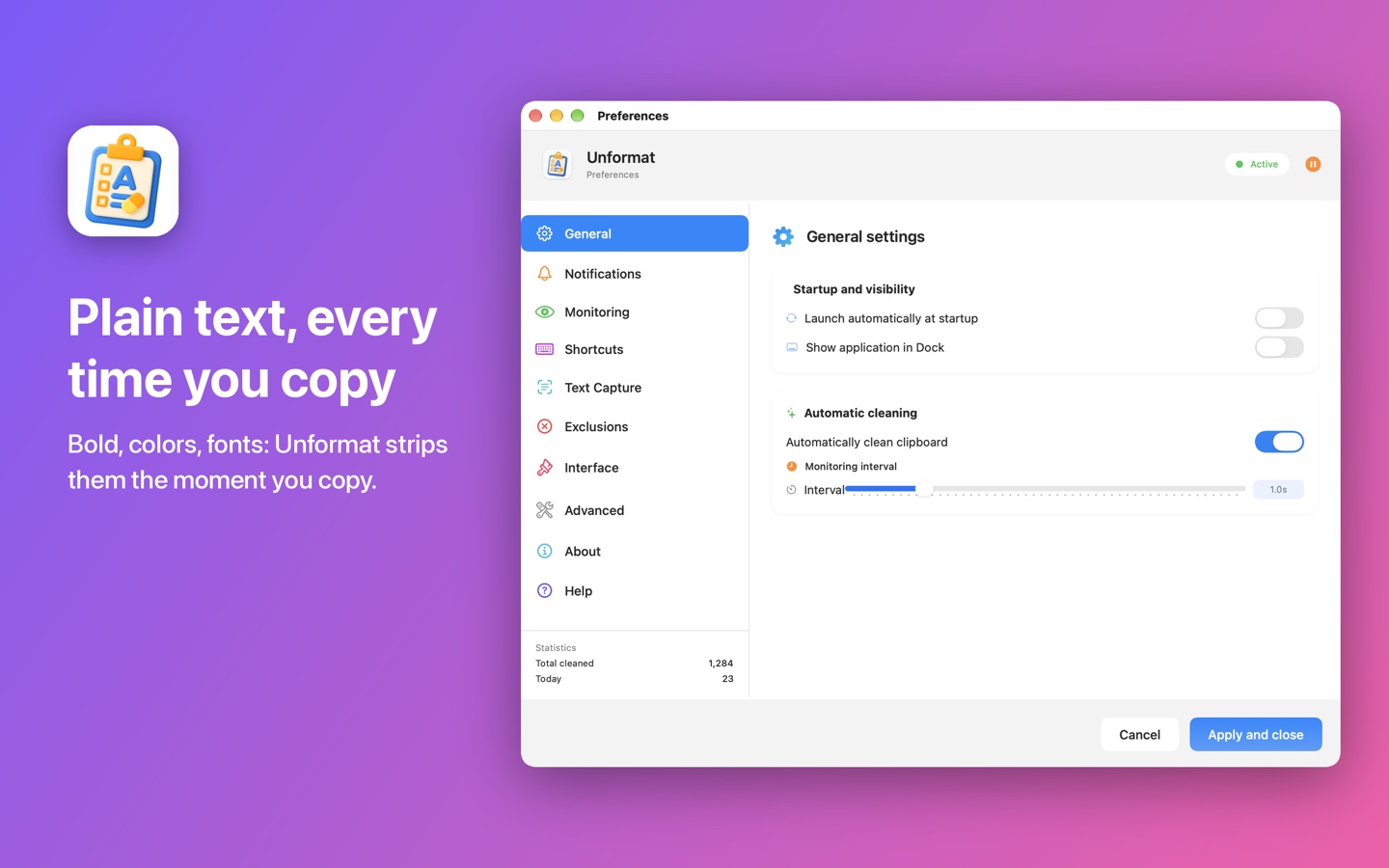
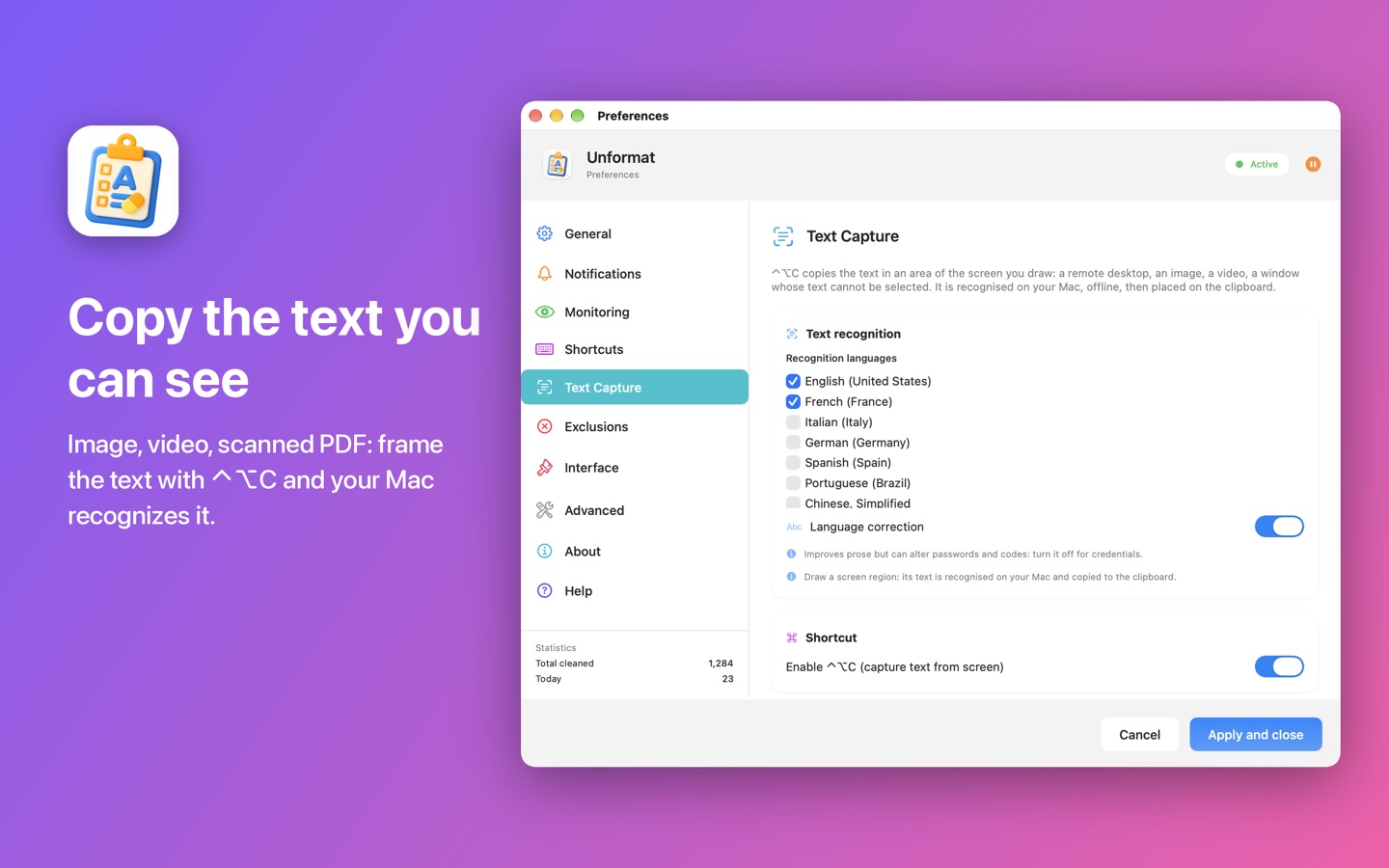
Unformat strips the formatting from everything you copy: bold, colors, fonts and sizes disappear, and only plain text remains. And with ⌃⌥C, it copies the text from a remote desktop, an image or a video: just draw a frame around it.
Unformat at a glance
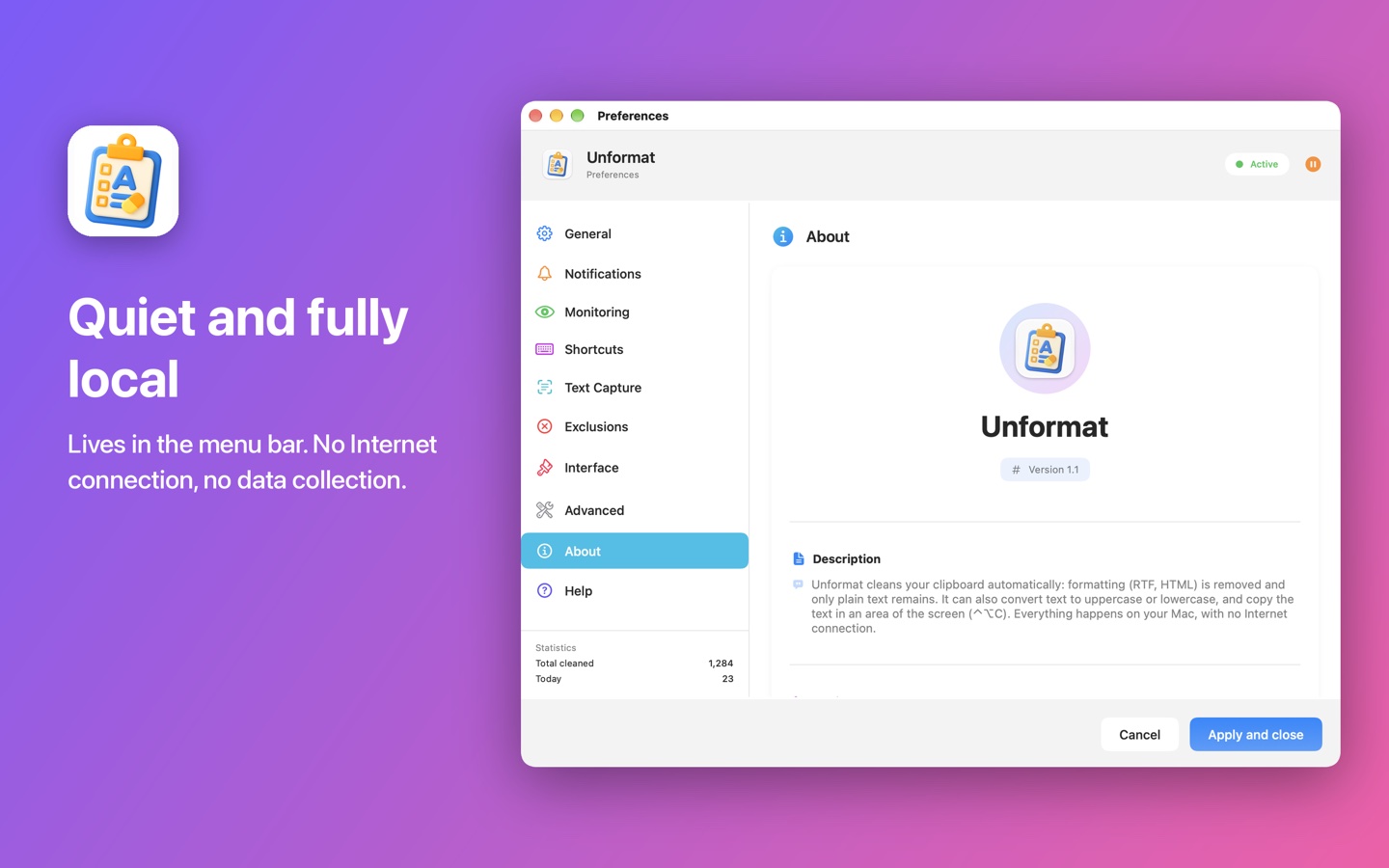
Copy, paste: it's clean
Unformat lives in the menu bar and acts the moment you copy. Nothing to change in your habits.
Plain text as you copy
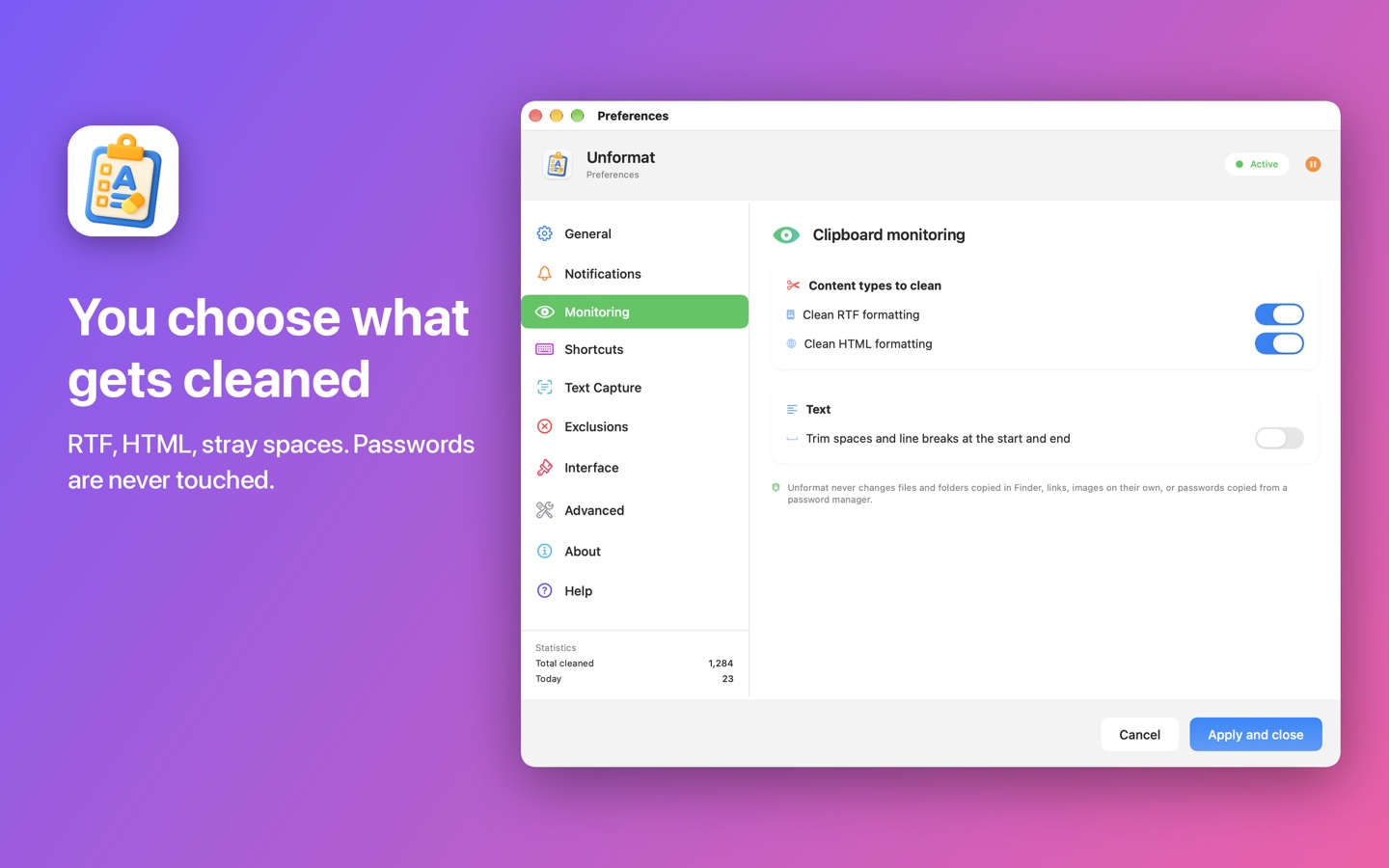
RTF and HTML formatting is removed every time you copy: web pages, word processors, emails. You choose which formats to clean.
Uppercase, lowercase, spaces
Optionally, copied text is converted to uppercase or lowercase, and extra spaces or line breaks at the start and end are trimmed.
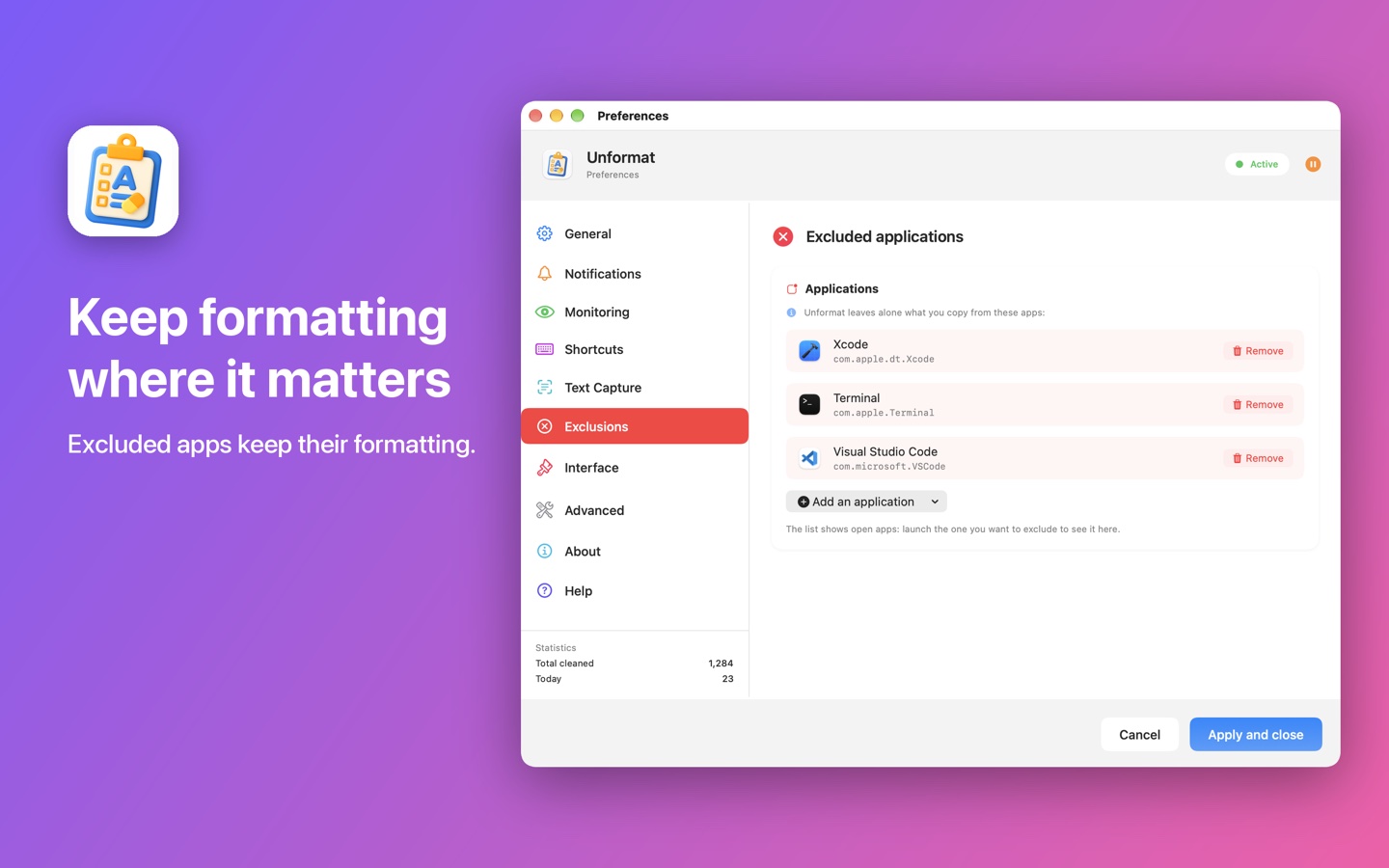
Excluded apps
What you copy from the apps you choose keeps its formatting. The list is built from your open apps.
Passwords left alone
Content that a password manager marks as concealed is never changed, nor are files copied in Finder, links or images.
Quiet confirmation
An on-screen HUD, a sound at the volume you set or a notification: your choice, or nothing at all. Statistics count the cleaned copies.
Your way
Light, dark or system theme, an interface in English, French, Spanish or German, automatic launch at login: Unformat is set up in a few clicks.
Text Capture
For text that will not copy: remote desktops, images, videos, dialog boxes.
Capture text from screen
The screen dims: draw a rectangle around the text. It is recognized on your Mac and copied to the clipboard, ready to paste. Escape or a right-click cancels; a single click is ignored.
Capture history
The last ten copied or captured texts stay in Unformat's menu: one click puts any of them back on the clipboard. They are kept in memory only, never on disk.
The only permission requested: macOS Screen Recording, the first time you use ⌃⌥C. Right after installation, the very first recognition can take about a minute while macOS prepares its models. Automatic cleaning needs no permission at all.

Need to paste into Citrix?
Unformat Pro, the full version of Unformat that ElpisIA distributes for free outside the Mac App Store, types the clipboard where pasting is blocked (⌃⌥V) and copies the selected text directly (⌃⌥C). Keep only one of the two on your Mac.
Discover Unformat ProThree steps, no setup required
Install
Get Unformat from the Mac App Store: it settles in the menu bar, and a green dot shows it is active.
Copy
Copy as usual, from any app. Formatting is removed the moment you copy.
Paste
Paste wherever you like: only plain text arrives. ⌥⌘V pauses or resumes cleaning when you want to keep a style.
Nothing leaves your Mac
Unformat makes no Internet connection: ElpisIA receives nothing you copy or capture. Your settings stay in the app's preferences. Details are in the privacy policy.
Available on the Mac App Store
For Mac, macOS 26 or later. In English, French, Spanish and German.